
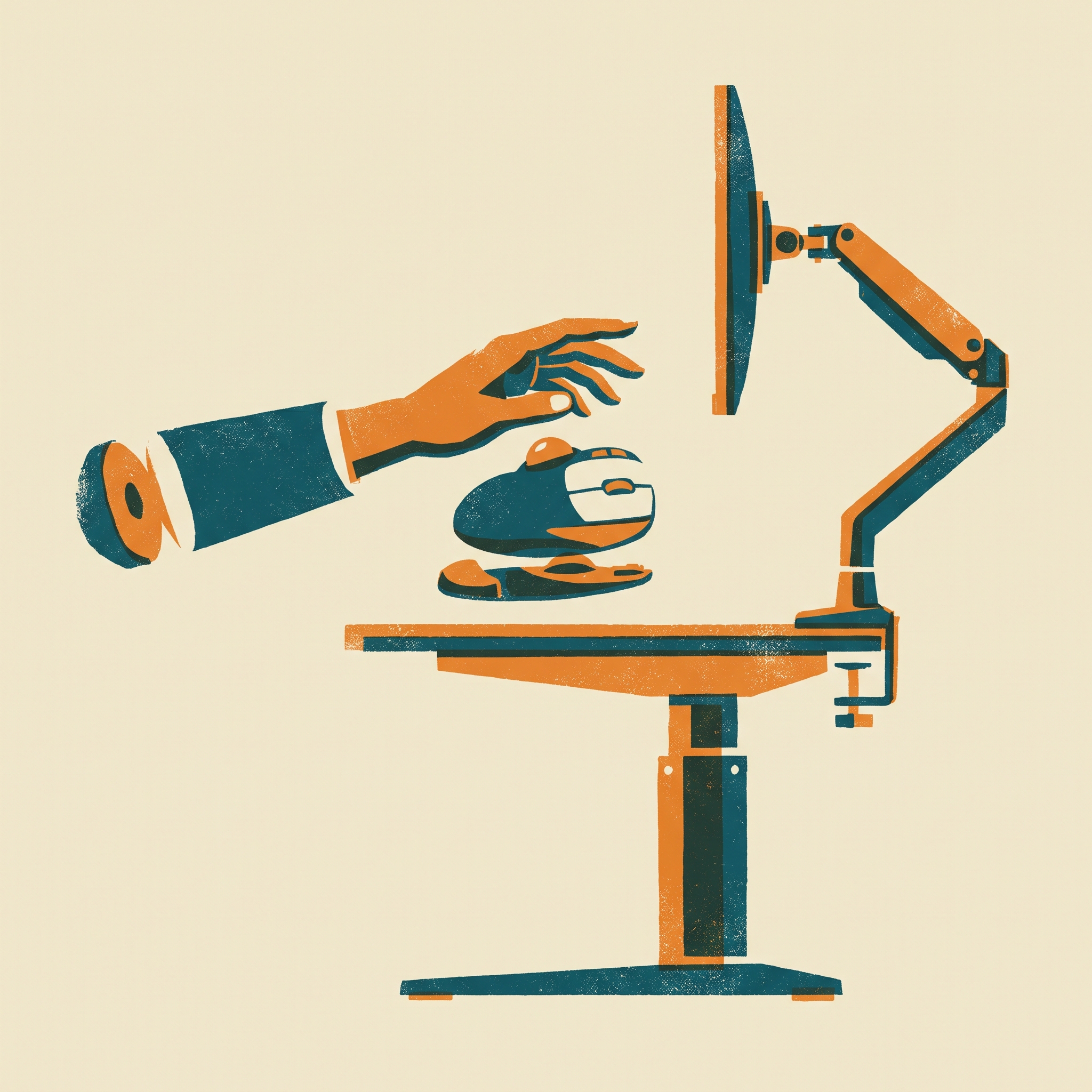
Ergonomic Battlestation
by OCDevel
5 episodes · updated 10 Sep 2026Build an ergonomic home office around the way you work and the budget you have. Start with desk and screen height, then work through monitor arms, ergonomic mice, split keyboards and walking pads, learning what to measure before buying and what to adjust on the gear you already own. Why does a standing desk wobble? Will an arm hold your monitor through the desk's full travel? What does a walking pad's horsepower claim tell you about daily use? Episodes explain the mechanics behind these decisions and the specifications worth checking against a manual or review. Walking pads get particular attention, including belt size, noise, maintenance and the practicalities of walking while working. The show draws on OCDevel's product research and comparison tables, revisiting equipment as models, prices and recommendations change. For desk workers building a first setup or improving an existing one, the lessons cover purchase priorities, assembly, upkeep and repair, so the cost of ownership stays part of the buying decision.