
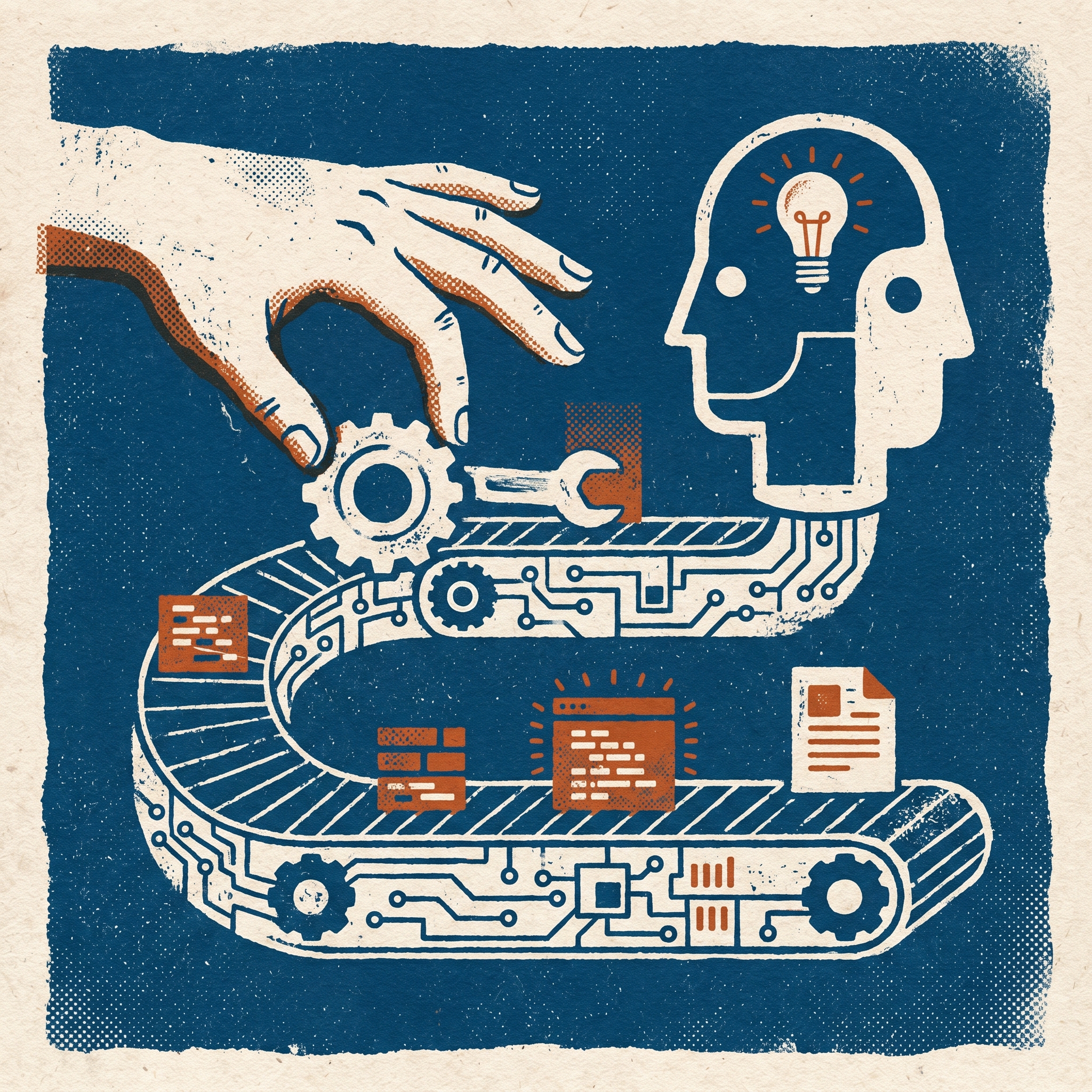
Gnothi Claude Code
by OCDevel
8 episodes · updated 10 Sep 2026Take Claude Code from its first useful change in your terminal to a repeatable software delivery workflow. For working developers who already ship applications and use Git, this course starts with setup, giving Claude a task, inspecting the diff and checking the result. Build on that session with project instructions, skills, hooks, MCP connections and context management. Later lessons connect parallel agents and Git worktrees to GitHub issues, pull requests and review-and-fix loops, then develop testing and deployment workflows with GitHub Actions and AWS. Permissions, sandboxing, cost controls and observability are taught alongside the automation they support, so you can judge what a run changed and investigate a failure. Concrete examples explain the commands, settings and checks behind each workflow; earlier techniques return as parts of larger systems. Claude Code news and practical shortcuts cover changes that affect coding work, setup or cost. The curriculum builds toward an issue-to-deployment pipeline, including rollout decisions and incident response.